
Install ntop software
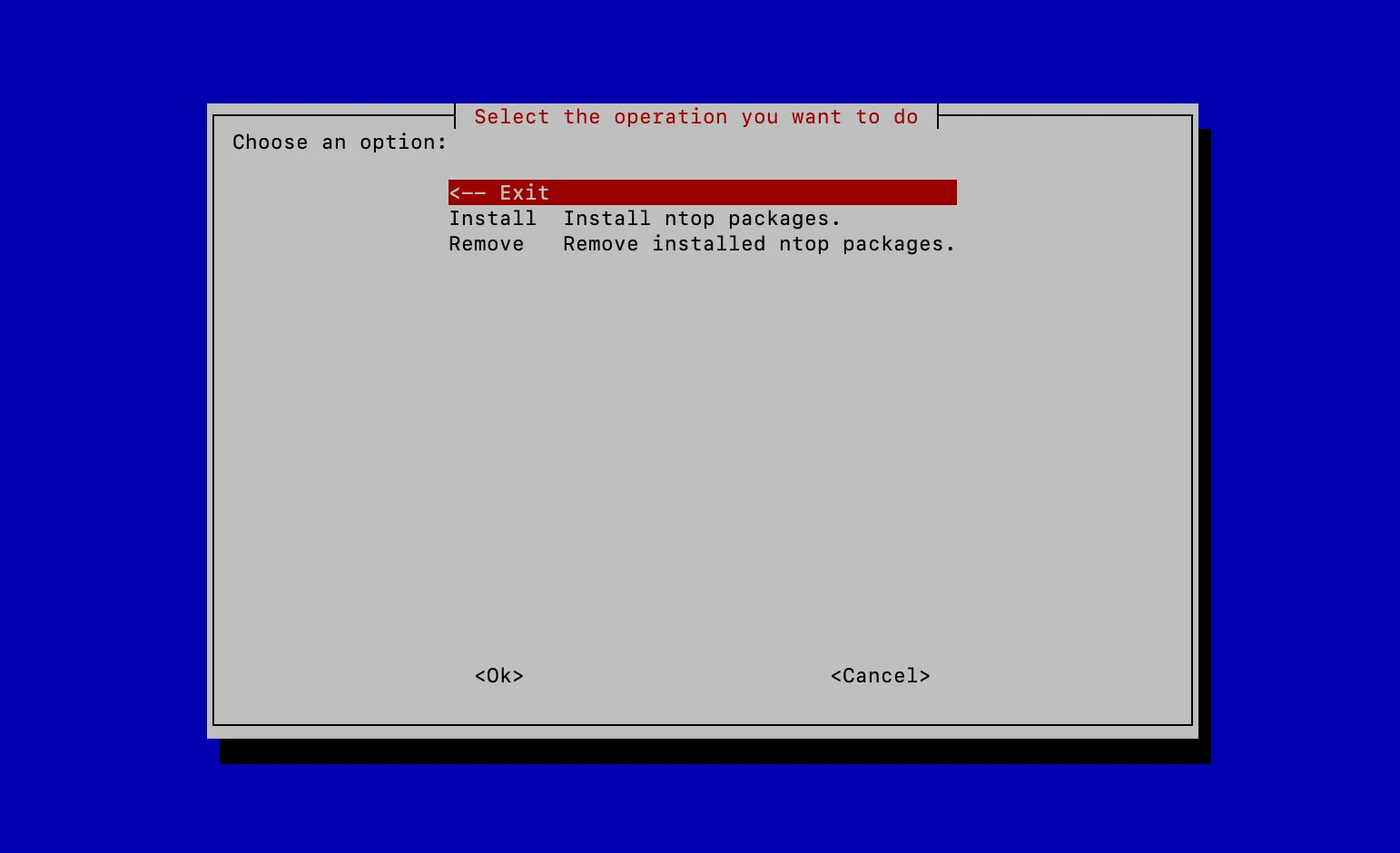
One command. The installer shows a menu, you pick the packages. Works on Ubuntu, Debian, Rocky, RHEL and FreeBSD.
Run the installer
Ubuntu and Debian
shell
apt update
apt -y install curl
/bin/bash -c "$(curl -fsSL https://raw.githubusercontent.com/ntop/package-installer/refs/heads/main/quick_install.sh)"
Rocky, AlmaLinux, RedHat and FreeBSD
shell
/bin/bash -c "$(curl -fsSL https://raw.githubusercontent.com/ntop/package-installer/refs/heads/main/quick_install.sh)"Stable release
Add -- -s at the end to install the stable packages. Use it for production.
shell
/bin/bash -c "$(curl -fsSL https://raw.githubusercontent.com/ntop/package-installer/refs/heads/main/quick_install.sh)" -- -sRun the commands as root, or put sudo in front.
Pick packages from the menu
The installer is a text menu. Choose ntopng, nProbe, Cento, n2disk, nEdge, nTap or the ClickHouse database, and install or remove them without typing package names.
Other systems
Ready to see it on your network?
Download the free Community edition, or talk to the ntop team about scale, licensing and support.